What it does
A real GUI for the parts of Elasticsearch you actually touch.
Cluster monitoring, indices, search, query profiling, users and roles,
an API playground, and an AI assistant that can use them for you — all
in one desktop app. No browser tab to lose, no curl to remember.
01 · AI assistant
Ask your cluster.
Ask in plain words. The assistant looks up indices, mappings, and
cluster health, runs searches, and hands queries over to Search or
the Playground. Anything that changes data waits for your approval.
Bring your own key for OpenAI, Anthropic, Google Gemini, or any
OpenAI-compatible endpoint.
Which orders index is the biggest? Delete July's, we archived it.
orders-2026.08 is the biggest: 14,000 docs, 1.2 MB.
Deleting July's index needs your approval.
DELETE /orders-2026.07
This cannot be undone.
Approve
Decline
02 · Cluster monitoring
Health and performance at a glance.
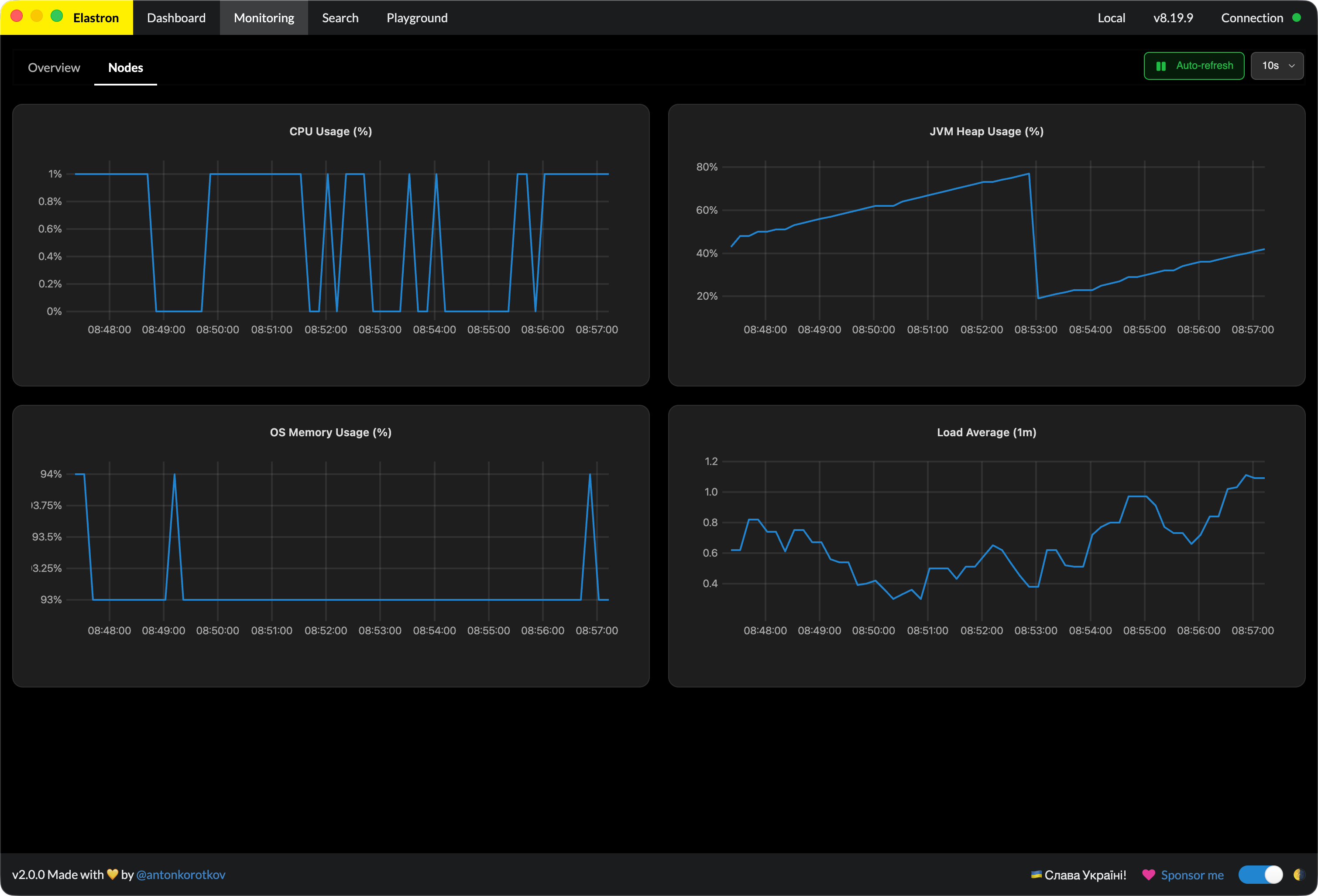
Live health, node and shard layout, throughput, latency — laid out
in one place. Spot trouble before it pages you.
03 · Search
Tabs, filters, aggregations, profiling.
Keep several searches open in tabs, each with its own query and
results, and find them again after a restart. Compose filters and
aggregations, inspect results, then explain or profile any query to
find what's slow.
status:open
1,284
status:pending
534
status:closed
312
status:archived
114
04 · Indices, documents, mappings
Manage every layer.
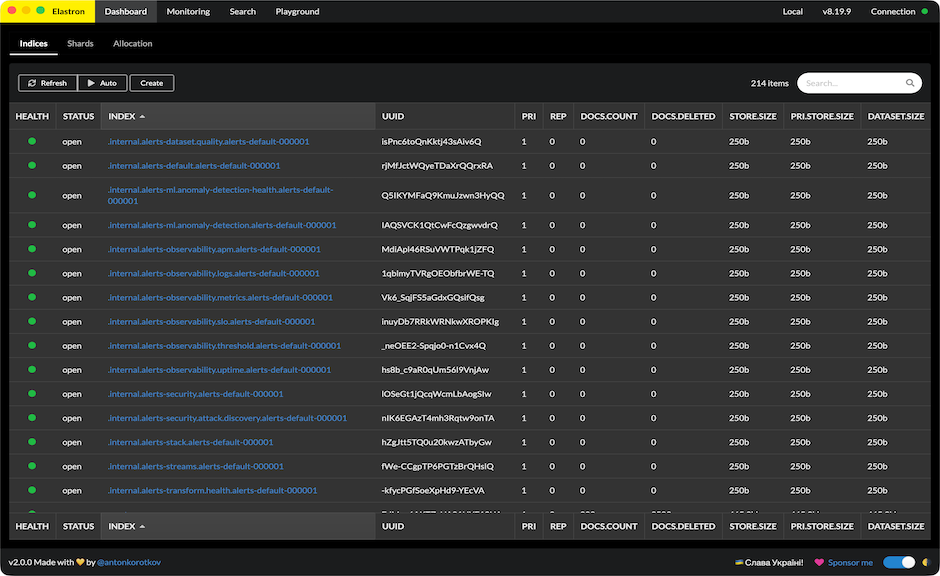
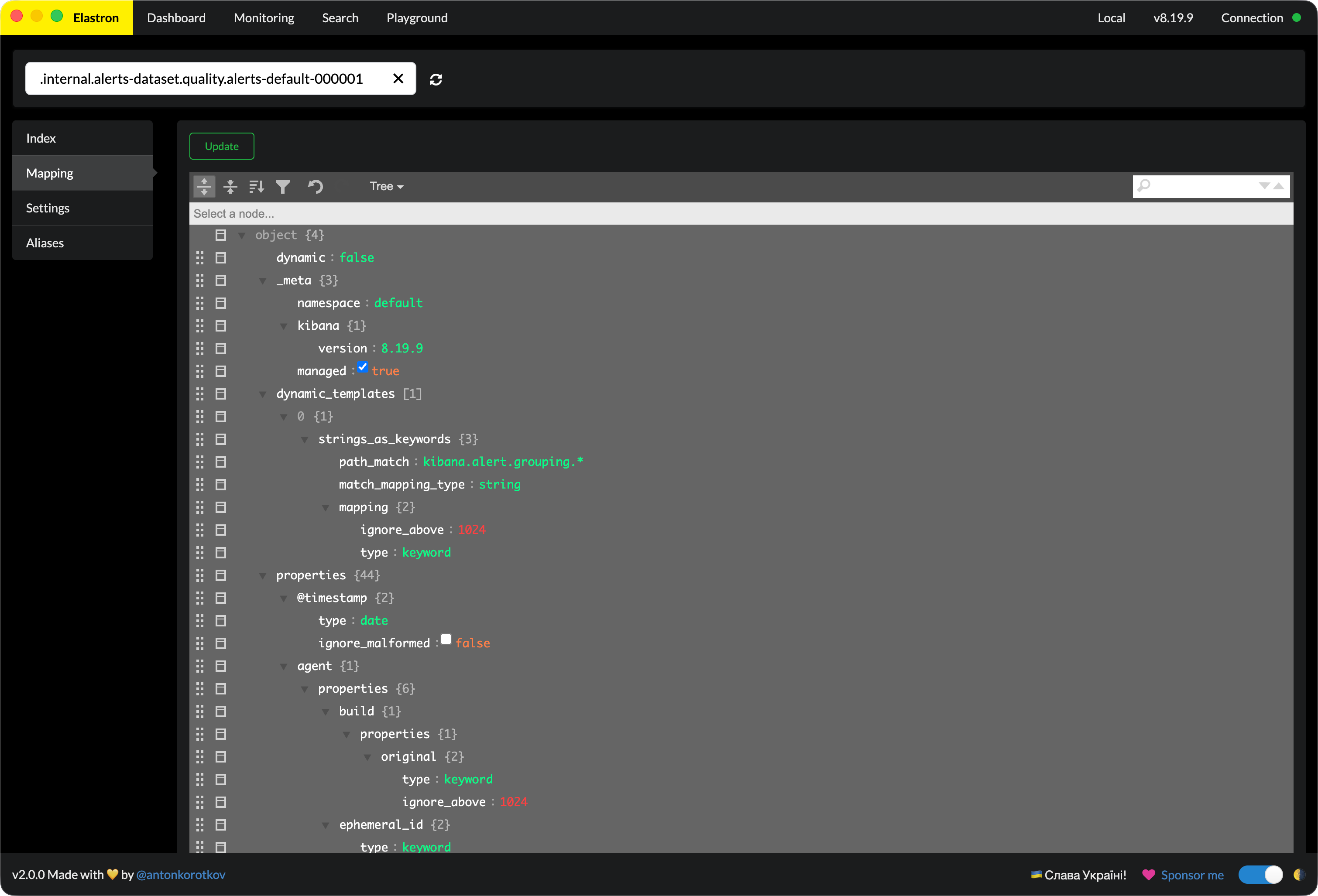
Edit mappings, browse and update documents, tweak settings — all
without composing a single PUT. Copy an index name or open it in
Search straight from the list.
05 · Security
Manage Elasticsearch security.
Control who can reach your cluster and what they can do, without
leaving the app. Create and edit users, reset passwords, and enable or
disable accounts. Define roles with cluster and index privileges, down
to document- and field-level restrictions. Issue and revoke API keys.
Users
Roles
API keys
superuser
reserved
all
tenant_reader
documents
read · logs-*
ops_admin
manage_security
06 · API Playground
Hit any endpoint, see the response.
A built-in playground for ad-hoc API calls. Method, path, body,
headers — fire it, read the response, move on. Your draft stays put
while you move around the app, and templates keep the requests you
reuse.
// any endpoint, any method
POST /products/_search
{
  "query": {
    "bool": {
      "must":   [{ "match": { "name": "shoes" } }],
      "filter": [{ "term":  { "in_stock": true } }]
    }
  },
  "aggs": { "by_brand": { "terms": { "field": "brand" } } }
}
07 · Connections
Every cluster, one click away.
Save as many connections as you need, give each one a color so
production never passes for staging, and reach private clusters
through an SSH tunnel. The plug in the header turns red the moment a
cluster stops answering.
production
es-prod.internal:9200
SSH
staging
es-staging.internal:9200
SSH
local
localhost:9200
08 · Dark mode
Made for the dark side.
Built dark-first. Light mode if you must.
09 · Multi-window
A window per cluster.
Open as many clusters side-by-side as you need. Each window is its
own session, and the Window menu jumps between them — no juggling
tabs, no losing context.